Physical presets again
Press preset 1 through 6 on the speaker and let Homey play the matching fixed stream or random radio rule.
Free Homey app for Bose SoundTouch
Give your Bose SoundTouch speakers a useful job again. SoundTouch Bridge lets Homey listen for physical preset button presses and start fixed or random internet radio streams locally on the speaker.
If your SoundTouch speaker still sounds good but presets and internet radio stopped working after Bose discontinued the SoundTouch cloud, SoundTouch Bridge is built for that exact problem: working speakers, broken radio habits, and a local Homey setup already running in the house or office.
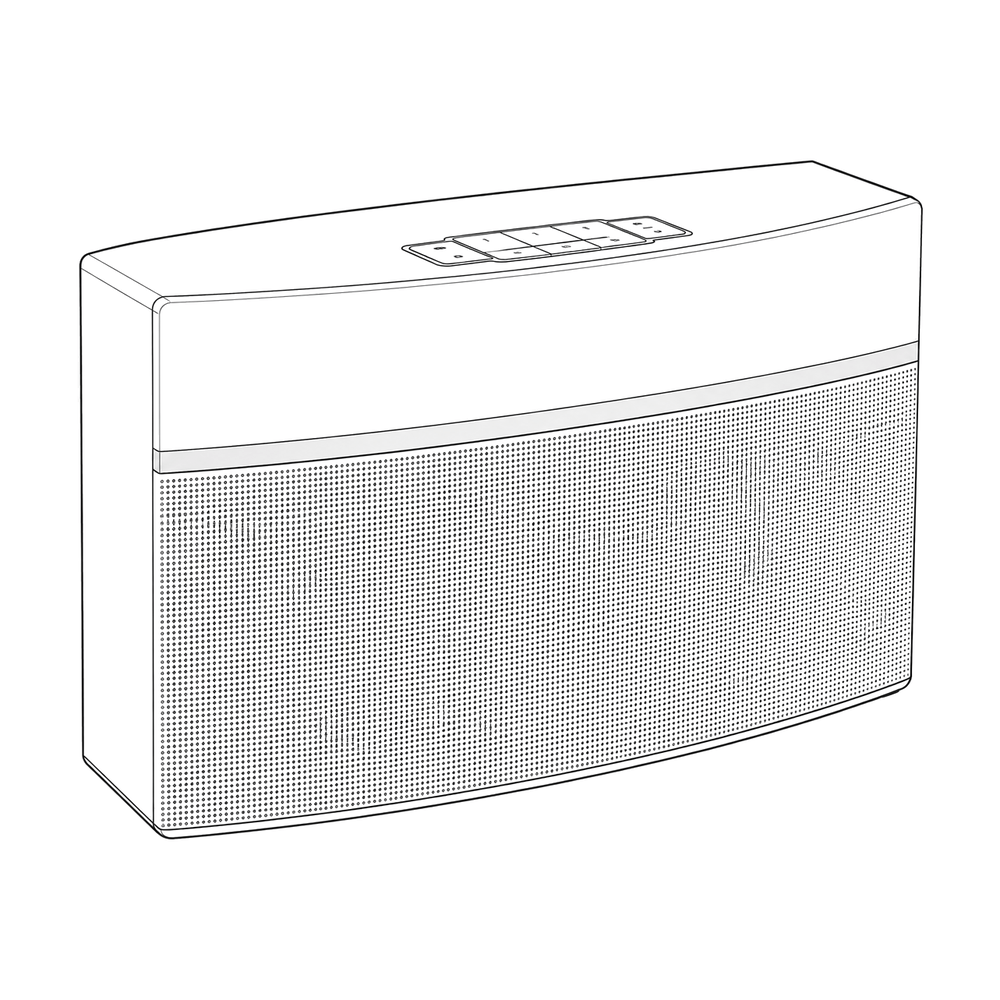
Press preset 1 through 6 on the speaker and let Homey play the matching fixed stream or random radio rule.
Save a genre or tag, optionally limit it by country, test compatible matches, and get a fresh station on every preset press.
Pair one or more SoundTouch speakers and manage six preset slots separately for each speaker.
Use Flow cards for presets and streams, while App Settings show WebSocket, UPnP, now-playing, and playback diagnostics.
Many Bose SoundTouch speakers are still perfectly usable as office, kitchen, or living-room speakers. The frustrating part is not the hardware. The frustrating part is losing the simple radio preset workflow that made the speaker feel appliance-like: walk up, press a preset, and hear the station.
SoundTouch Bridge fills that gap for Homey users. Homey acts as the always-on bridge, watches for SoundTouch preset button events over the local network, and starts playback with the speaker's local playback interfaces. Version 1.0 adds random radio presets, stronger reconnect handling after speaker or network changes, and clearer diagnostics when a stream or speaker needs attention.
The goal is not to replace Bose software or rebuild a full music platform. The goal is narrower: make internet radio presets practical again after the SoundTouch cloud shutdown, while keeping playback local and predictable.
The app is especially useful for offices and homes that already use Homey for automation and have one or more SoundTouch speakers that would otherwise sit unused.
Pair your speakers, configure fixed or random presets, and use the preset controls directly from Homey.
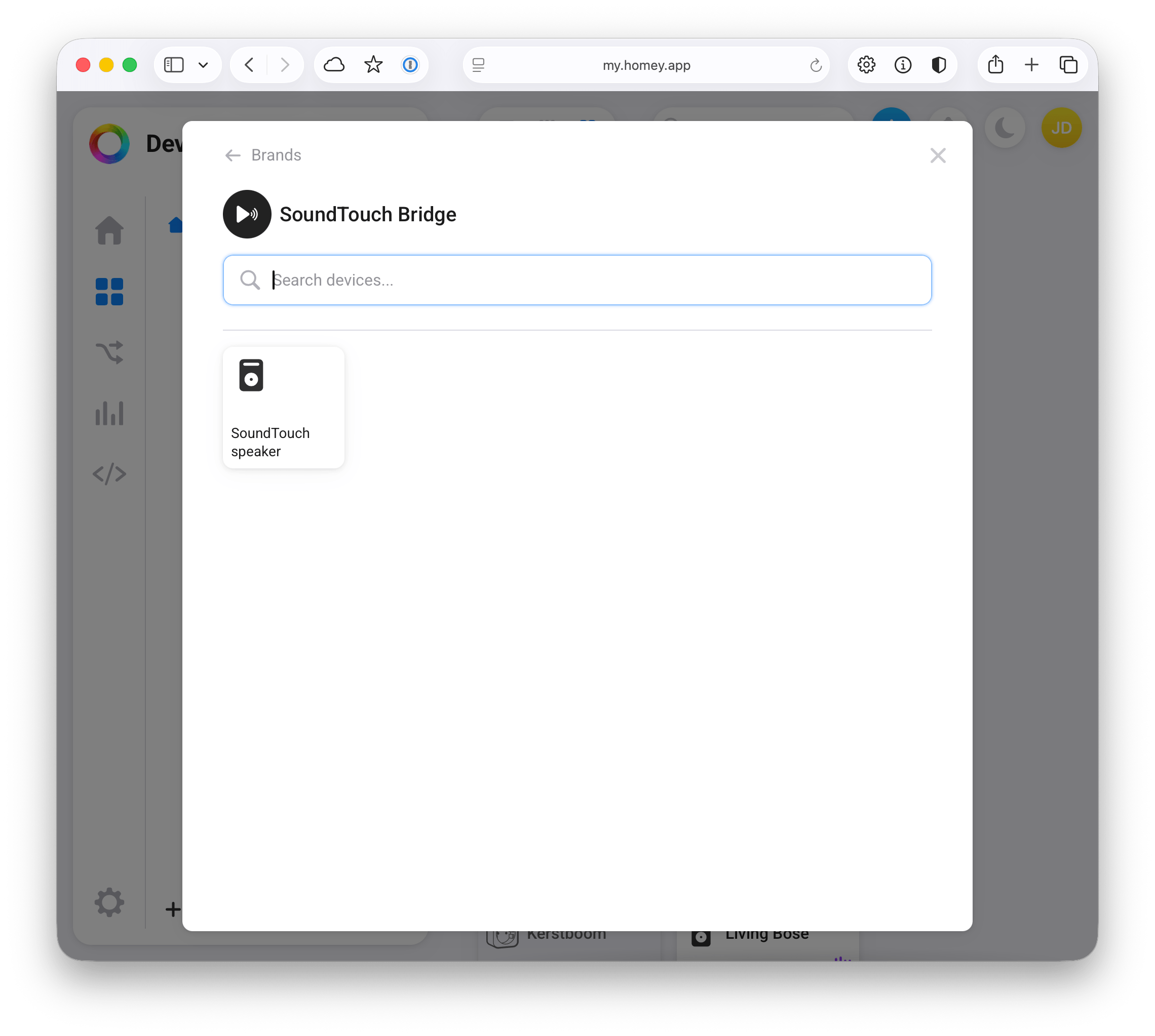
SoundTouch Bridge discovers compatible speakers on the local network so you can add them to Homey.
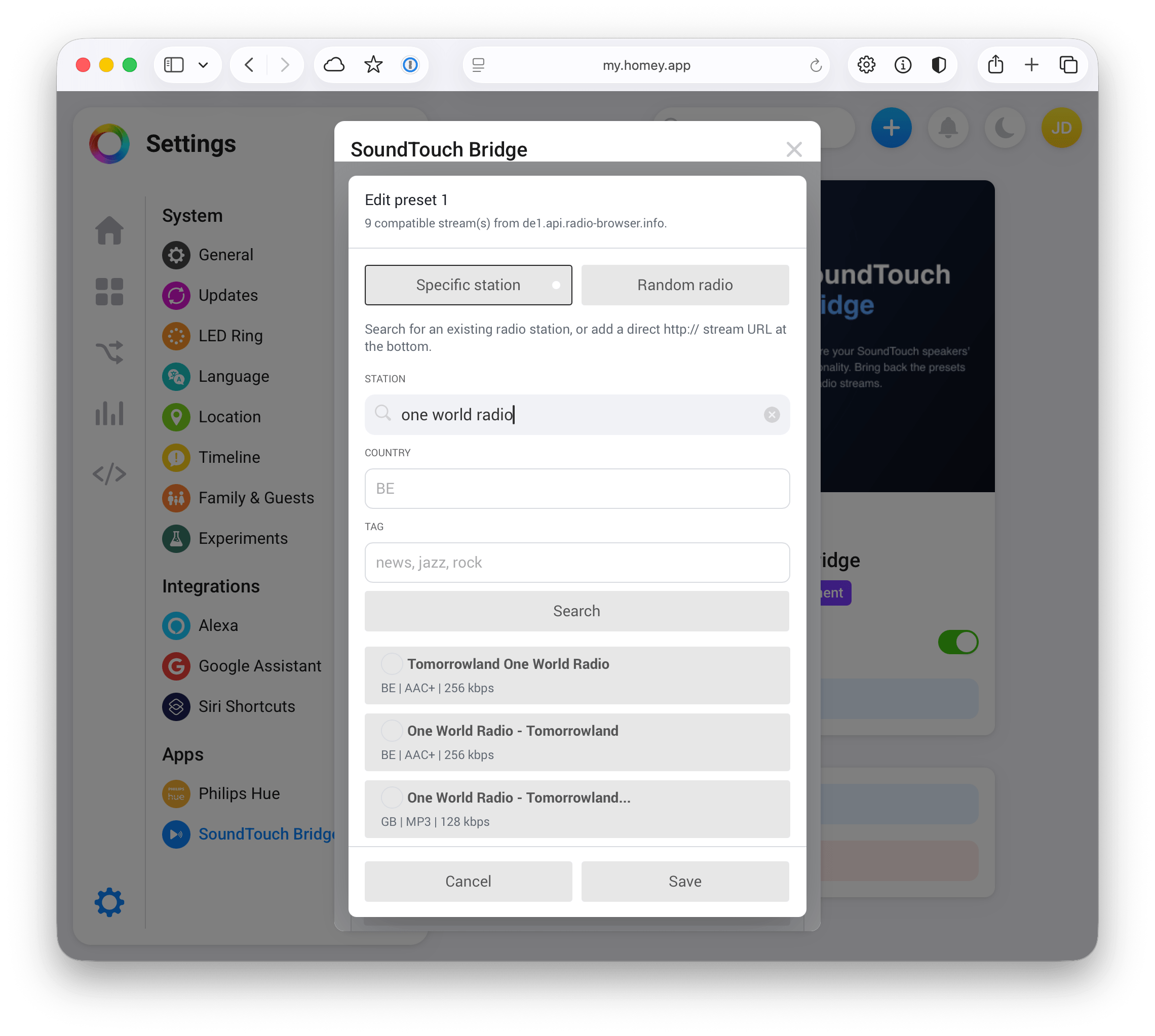
Search for compatible stations, save random radio rules, or enter direct stream URLs for each preset slot.
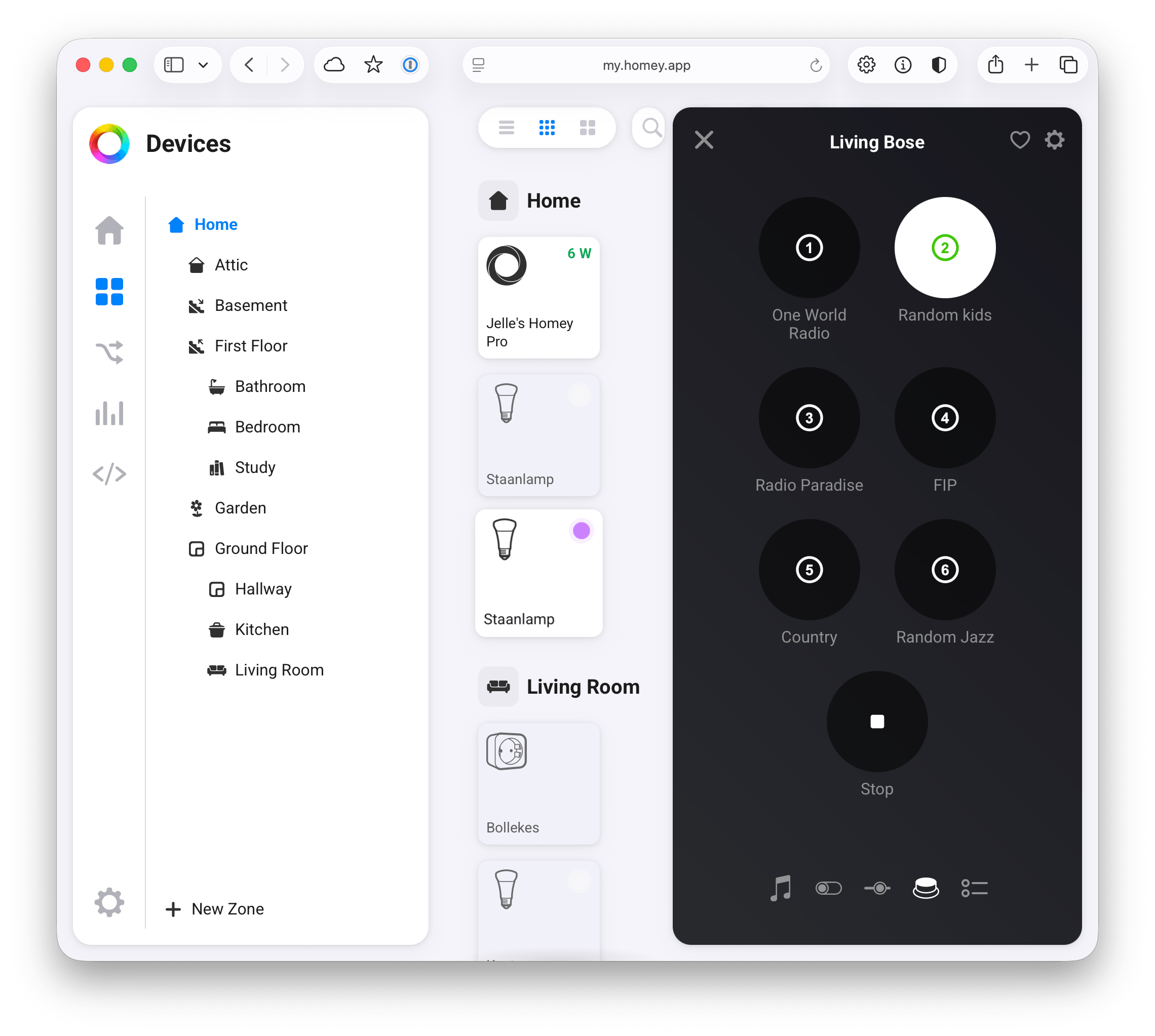
Trigger configured presets from Homey controls and keep each speaker's preset list easy to recognize.
SoundTouch Bridge is free in the Homey App Store and built for local, practical control of Bose SoundTouch internet radio presets, including fixed stations and random genre-based presets.
Install from Homey